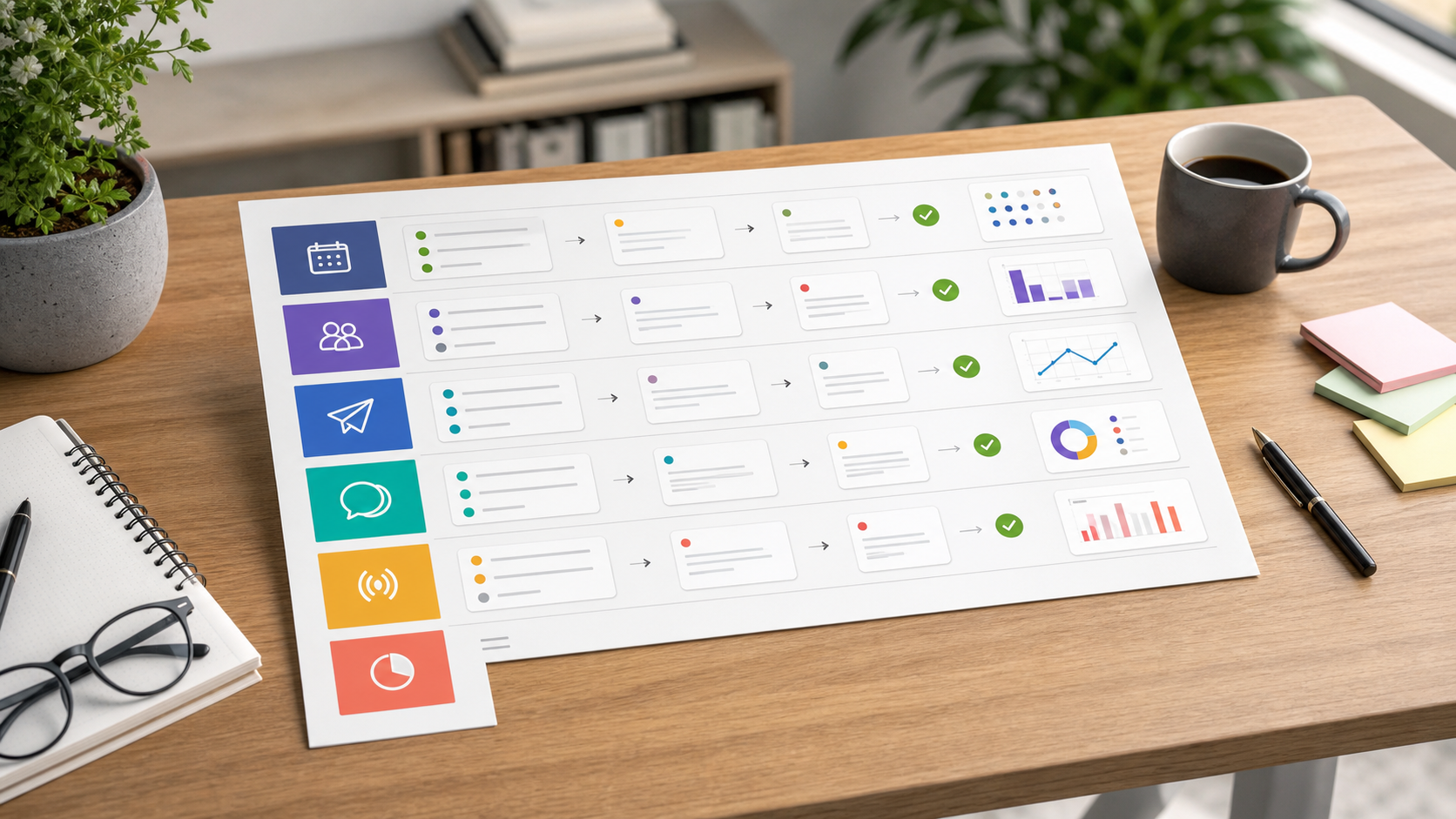
StayingSocial treats free trials as structured buying exercises. This guide helps teams compare social media tools with real posts, real reviewers, real channel limits, and a written upgrade reason before spending money. Affiliate links may support the site, but recommendations stay tied to buyer fit and operational evidence. Our about page and editorial policy explain the review standards.
Free trials are useful only when they are treated as buying tests. A trial should not be a product tour. It should answer whether a tool removes a recurring workflow problem: late posts, unclear approvals, missed comments, weak reporting, or poor visibility into audience conversations.
Source basis and scope
This guide uses official pricing and trial pages, third-party reviews, G2 context, and practitioner discussions about cost. We do not claim private trial benchmarks. Trial terms and promotional offers change, so check official pages before starting.
- Buffer pricing
- Buffer plan features
- G2 Buffer reviews
- TechRadar Buffer review
- Reddit scheduling discussion
- Hootsuite plans
- Hootsuite homepage
- TechRadar Hootsuite review
- Reddit Hootsuite pricing discussion
- Reddit social tool discussion
- Later pricing
- Later social media scheduler
- G2 Later pricing
- PostPlanify Later pricing analysis
- Reddit Later user warning
- Sprout Social pricing
- Sprout Social listening
- G2 Sprout Social reviews
- TechRadar Sprout Social review
- Reddit social media management cost discussion
- G2 social media management category
- Reddit 2026 tool stack discussion
- Reddit small agency tool discussion
The source mix shows why a trial scorecard matters. Tools price different units: channels, social sets, users, profiles, analytics lookback, inbox features, and reporting. A trial should evaluate the unit that will drive the real bill.
Quick verdict
Use one real campaign, one shared scorecard, and one written upgrade reason. If the team cannot explain what changed after the trial, do not pay. If the tool removes a bottleneck that costs more than the subscription, upgrade confidently.
Pair this guide with best social media management tools, social stack checklist, approval-focused tools, Later vs Buffer comparison, Buffer review, Hootsuite review, Later review, and Sprout Social review.

Trial setup
Before opening any trial, prepare the same package for every tool:
- five real posts
- the actual channels or profiles
- one visual asset set
- one reviewer
- one urgent edit
- one message or comment workflow
- one report question
- one buying budget
This makes the comparison fair. A tool that looks impressive with sample content may fail with the team's real assets, approvals, or reporting needs.
What to evaluate in Buffer
Use Buffer to evaluate whether a simple queue solves the workflow. Connect the real channels, schedule a week's posts, customize copy by platform, review the calendar, and check basic performance. Model channel count carefully because it affects the plan decision.
Buffer passes the trial if the team publishes with fewer reminders and still understands what is scheduled. It fails if approvals, inbox ownership, or reporting still happen in scattered side channels.
What to evaluate in Later
Use Later to evaluate visual planning. Upload or organize real assets, plan posts, evaluate link-in-bio needs, schedule media-heavy content, and check whether approvals fit the plan. Model social sets, users, post limits, and analytics lookback before upgrading.
Later passes if visual planning saves time and the actual media formats work reliably. It fails if native posting remains easier or if the team needs broader reporting and inbox workflows.
What to evaluate in Hootsuite
Use Hootsuite to evaluate broad operations. Schedule posts, assign review, monitor a topic, handle a sample inbox flow, and export a management report. Model user count and feature tier carefully.
Hootsuite passes if several social jobs move into one clearer workflow. It fails if the team only uses the calendar and ignores monitoring, inbox, and reporting.
What to evaluate in Sprout Social
Use Sprout Social to evaluate insight-led work. Build a report, review inbox context, evaluate a listening question, and decide whether the output changes content, customer care, or management reporting. Model per-seat cost and reporting ownership carefully.
Sprout passes if insight becomes actionable. It fails if analytics and listening remain passive dashboards.

Trial scorecard
| Criterion | Question | Pass signal |
|---|---|---|
| Setup | Could the team connect real channels quickly? | Setup did not require workaround notes |
| Publishing | Did posts move from draft to schedule cleanly? | Fewer reminders and less copy/paste work |
| Approval | Was review status visible? | Reviewers knew what needed action |
| Inbox | Were comments or messages owned? | No response work disappeared |
| Reporting | Could stakeholders read the output? | The exported report answered a real question |
| Limits | Did plan limits interrupt the trial? | The likely paid plan matches the real workload |
Upgrade rule
Upgrade only when the tool has a named owner, a repeated workflow, and a measurable reason. Examples: it saves the social manager two hours per week, prevents missed approvals, centralizes inbox ownership, or creates the monthly report without manual assembly.
Do not upgrade because the trial is ending, because a discount appears, or because the dashboard looks mature. A tool with no owner becomes shelfware quickly.
Editorial recommendation
A free trial should produce a buying decision, not a vague impression. The best trial uses real content, real reviewers, real reporting questions, and the real plan limits that will shape cost.
If every tool feels similar, the team has not defined the workflow tightly enough. Rewrite the scorecard and evaluate the bottleneck again.
For free trials, the final decision should be a written upgrade note, not a vague impression. Record the workflow improved, the owner, the plan limit reached, and the monthly cost that follows. If the evidence is thin, delay payment and compare again with our best social media management tools and social stack checklist.
Trial-run scenarios
A free trial should be designed before the account is opened. The team should prepare the same campaign package for every tool: channels, assets, copy, reviewer rules, one inbox scenario, one reporting question, and the expected paid plan. This prevents casual exploration from turning into a purchase without evidence.
The first scenario is publishing reliability. Use a real week of posts and record whether the tool reduces copy-paste work, reminders, and missed dates. Buffer should make a simple queue feel calmer. Later should make visual planning clearer. Hootsuite and Sprout Social should show value beyond the calendar, especially around inbox, monitoring, analytics, or reporting.
The second scenario is plan-limit pressure. Many social tools look attractive until the buyer maps real channels, social sets, users, analytics lookback, approval rules, and profile count. During the evaluation, write down every limit that appears. A lower plan is not cheaper if it forces the team to keep doing important work manually.
The third scenario is stakeholder behavior. Include the real reviewer or report reader. A social manager may like a tool while a stakeholder ignores the review process or cannot use the exported report. A good trial-run includes the people who will create friction after purchase, not only the person who wants the tool.
The fourth scenario is cancellation discipline. Before the trial ends, write the reason to upgrade or stop. The note should name the workflow improved, the owner, the expected monthly cost, and the risk if the team does nothing. If the reason sounds vague, the team should delay payment and run a smaller evaluation with a sharper bottleneck.
Use this trial scorecard:
| Evaluation checkpoint | Evidence to capture |
|---|---|
| Setup | Time to connect channels and prepare the campaign |
| Publishing | Whether the schedule is easier to maintain |
| Approval | Whether reviewers know what needs action |
| Inbox | Whether response ownership is clearer |
| Reporting | Whether the output answers the real reader question |
| Cost | Which paid plan matches the actual workload |
The best free trial ends with a decision that feels boring because the evidence is clear. The tool either removed a repeated workflow cost or it did not. That discipline matters more than a discount, a polished walkthrough, or a long feature list. Teams that evaluate with real work buy fewer shelfware subscriptions.
Decision guardrails
A free trial should have a stop rule before it starts. The buyer should write what evidence would justify payment and what evidence would end the evaluation. Examples include faster publishing, clearer approval, cleaner reporting, better inbox ownership, or proof that the likely paid plan fits the actual channel set. Without a stop rule, a trial can turn into a purchase because the deadline arrived rather than because the tool earned budget.
The second guardrail is equal comparison. When two tools are being compared, use the same campaign package, the same reviewer, the same assets, the same report question, and the same time limit. This prevents a tool from winning because it received an easier scenario. It also helps the team distinguish interface preference from workflow fit. A fair comparison is slower upfront but faster at decision time.
The third guardrail is post-trial cleanup. If the team does not buy the tool, remove connected accounts, exported files, unused users, and leftover calendar entries. If the team does buy, document the new source of truth and retire the old workaround. Trials create operational residue when they are treated casually. A clean closeout keeps the stack understandable whether the final answer is yes or no.
Implementation notes
After a trial-run, the team should close the loop with a short decision memo. The memo should name the campaign used, the plan limits discovered, the workflow that improved, and the cost of the plan that would actually be purchased. This prevents the buyer from keeping a tool because the setup work already happened. A clear memo also helps a future teammate understand why the subscription exists.
Use the same discipline when the answer is no. Record the reason the tool was rejected: missing source coverage, weak approval handling, poor media workflow, expensive seat model, or reporting that did not answer the reader's question. Those notes make the next comparison faster and keep the team from repeating the same casual trial every quarter.
The best buying habit is to connect trials with renewals. If a tool was purchased because it improved publishing reliability, review that exact claim before renewal. If the promised improvement is no longer visible, renegotiate, downgrade, or compare again. Trial evidence should not disappear once billing starts.
Renewal checkpoint
After the first paid month, repeat the same scorecard with live usage. Compare the original trial-run promise with what happened after real posts, real reviewers, and real reporting deadlines arrived. If the tool saved time but exposed a different bottleneck, document that next step rather than adding another subscription immediately. The best trial process becomes a renewal process, so the team keeps paying only for workflows that still create measurable operating value.
Keep the evidence file lightweight: one paragraph on what improved, one paragraph on what still felt manual, and one line naming the next review date. That small habit keeps trial learning useful after the sign-up screen is gone.
FAQ
How many social media tools should I trial at once?
Trial two tools at a time. More than that usually creates shallow testing and messy comparisons. Pick one lightweight option and one broader option that both plausibly solve the same bottleneck. Use the same campaign package in each so the decision is based on workflow, not novelty.
What should I do before a trial starts?
Prepare real posts, assets, channels, reviewer rules, one inbox scenario, one report question, and a target budget. Also write the reason a paid plan would be justified. This prevents the trial from becoming casual exploration and makes it easier to stop when a tool does not solve the actual problem.
Should I upgrade before the trial ends?
Upgrade before the trial ends only if the tool has already removed a recurring workflow cost and the likely paid plan matches your real channel, user, and reporting needs. If the team is still unsure, do not upgrade for a discount. Finish the scorecard or run a smaller second evaluate.
How do I compare tools with different pricing models?
Convert every plan into your team's actual monthly workload. Count channels, social sets, users, approval needs, inbox volume, listening topics, and reporting recipients. Then compare the plan you would truly buy, not the cheapest advertised tier. Different pricing models become clearer when mapped to the same workflow.