StayingSocial reviews social tools around the workflow they make easier. This Later review is written for creators, ecommerce teams, and visual brands that need to know whether asset planning, social sets, scheduling, and link-in-bio workflows are worth paying for. We may earn from affiliate links, but the recommendation is based on buyer fit and risk. See our about page and editorial policy for the review method.
Later is a visual-first social planning tool. It is most relevant when the workflow starts with media assets, creator content, Instagram/TikTok planning, and link-in-bio journeys rather than a plain publishing queue. That makes it attractive for creators, ecommerce brands, visual marketers, and lean teams that need to see the campaign before it goes live.
Source basis and scope
This review uses Later's official scheduler and pricing pages, third-party pricing context, and community feedback. We do not claim private platform testing. Confirm current pricing and supported networks on Later's official site before buying.
- Later pricing
- Later social media scheduler
- G2 Later pricing
- PostPlanify Later pricing analysis
- Reddit Later user warning
The source mix shows a familiar split: Later's official pages emphasize visual scheduling, social sets, link-in-bio, collaboration, and creator resources. Community feedback warns that visual-first tools still need reliability, support, and fit checks before annual billing.
Quick verdict
Choose Later when visual planning is the center of the workflow. It is strongest for creators and brands that need to organize assets, plan media-heavy campaigns, manage link-in-bio journeys, and coordinate social content around visual merchandising. It is weaker when inbox depth, listening, or analytics-heavy reporting are the main reasons to buy.
If your team is deciding between a media-first planner and a queue-first scheduler, read Later vs Buffer comparison. If the team has broader approval and reporting needs, compare Later with approval-focused tools before upgrading.

Product and workflow fit
Later's official scheduler page frames the product around creating, editing, scheduling, and organizing posts. The pricing page adds the important buying unit: social sets, profiles, users, AI credits, analytics lookback, approvals, inbox features, and add-ons. That means the buyer should not only ask whether Later supports a channel. The buyer should ask whether the plan matches the content volume and collaboration model.
The best-fit workflow starts with assets. A creator batch-produces visuals. An ecommerce team plans product stories around launches. A social manager wants to preview how content will appear before scheduling. Later is useful because it keeps media planning close to publishing.
The weaker-fit workflow starts with service operations. If the team needs heavy inbox ownership, listening alerts, social CRM context, or board-level reporting, Later may be a partial tool rather than the center of the stack.
Pricing and plan limits
Later's official pricing page organizes plans by social sets, profiles, users, post limits, analytics depth, collaboration, inbox features, and support. That makes the plan decision more about operating model than sticker price. A solo creator can often reason about one social set. A team managing several brands needs to model extra users, extra social sets, and approval requirements.
Third-party pricing analysis is useful as a cross-check, but official pricing should always win. The key question is whether a plan limit would interrupt the team's normal month. If a team posts frequently, needs two collaborators, or relies on approvals, a lower plan may look affordable while forcing process compromises.
A good trial includes a real content batch. Upload or organize assets, plan posts across channels, schedule the campaign, evaluate link-in-bio needs, review analytics, and simulate one approval cycle. If that run feels clean, Later has a stronger case.
Strengths
Later's first strength is visual planning. The product is easier to justify when the team wants to see how a campaign will look, not only when it will publish.
The second strength is creator and ecommerce fit. Visual content, link-in-bio, and social merchandising fit the way many Instagram, TikTok, and product-led teams operate.
The third strength is a plan ladder that can start small. Buyers can evaluate whether visual workflow improves output before considering broader social suite tools.
Weak spots and risks
The biggest risk is reliability mismatch. Community feedback about scheduling friction is a reminder to evaluate the exact content types the team uses: reels, carousels, thumbnails, stories, and link-in-bio flows. Do not assume a visual planner handles every edge case the way native platforms do.
The second risk is outgrowing the scope. Later can be a strong planning layer, but it may not replace listening, advanced reporting, or customer-care workflows.
The third risk is plan-limit surprise. Social sets, users, analytics lookback, and post limits should be modeled before the trial ends.

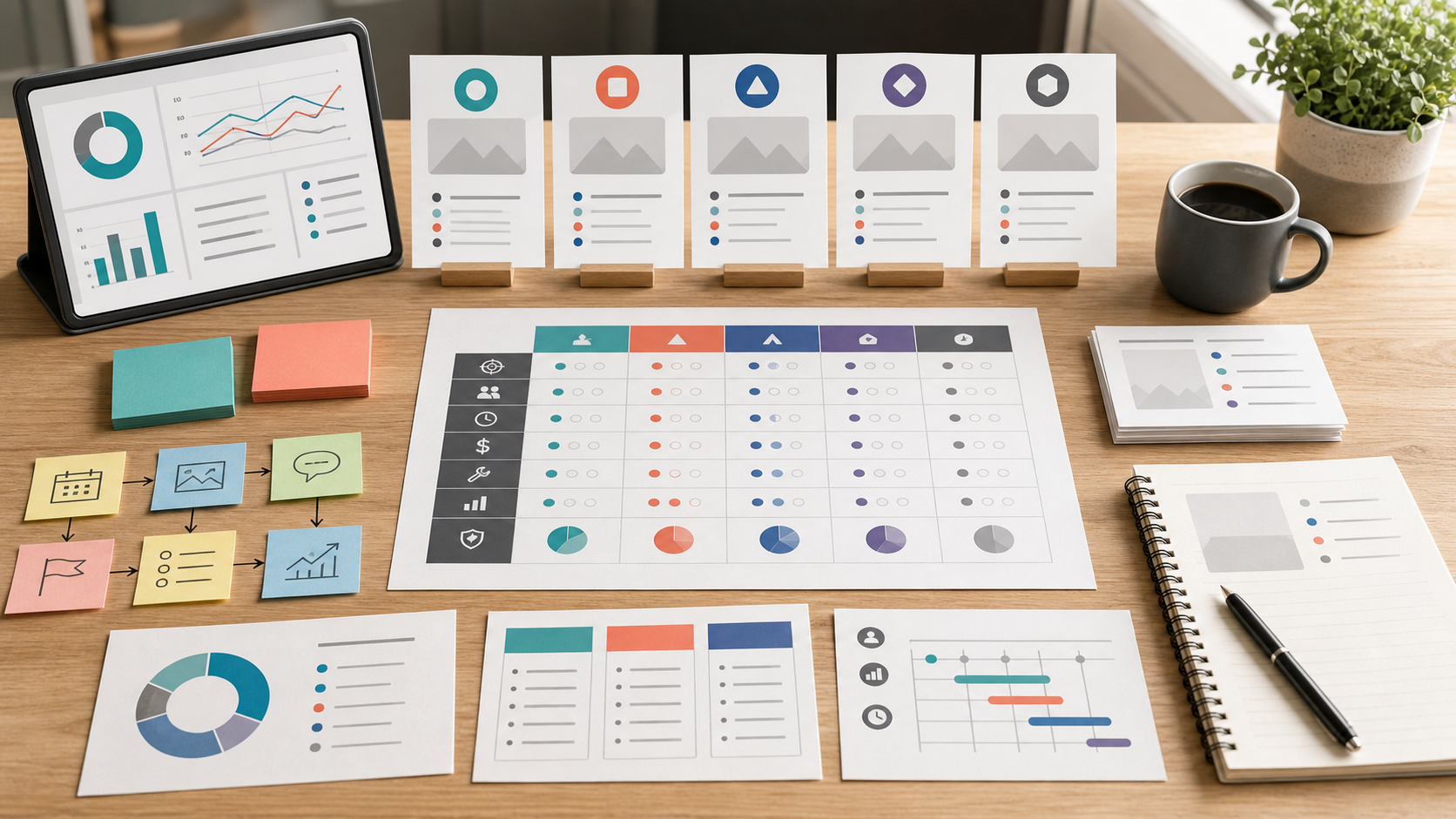
Buyer scorecard
| Question | Strong Later signal | Warning signal |
|---|---|---|
| Workflow start | Campaigns begin with visual assets | Campaigns begin with text queue management |
| Channels | Instagram, TikTok, visual social are central | LinkedIn/X reporting or listening is the main workload |
| Collaboration | Light approval and asset review are needed | Complex governance or client reporting is needed |
| Link-in-bio | Social traffic needs merchandising paths | Link-in-bio is irrelevant to the strategy |
| Reliability | Trial succeeds with real media formats | Native posting is still faster after testing |
Editorial recommendation
Later belongs on the shortlist for visual-first teams that need a media planning surface close to publishing. It is especially useful when the campaign is easier to manage visually than in a generic queue.
Skip Later if the trial exposes posting friction for the exact formats you use, or if the real pain is listening, inbox ownership, or analytics-heavy reporting rather than visual planning.
For Later, the final decision should come from a media-heavy campaign run with the exact formats, social sets, link-in-bio needs, and approval steps the team will use. If visual planning shortens the week, Later belongs on the shortlist. If native posting or a simple queue is still cleaner, compare our Later vs Buffer comparison and best social media management tools.
Operating scenarios to run before paying
Later should be evaluated with a media-heavy campaign, not a plain text schedule. Prepare product visuals, short-form video notes, captions, link-in-bio destinations, and the channels that matter most. Then run the campaign through planning, scheduling, review, and reporting. Later earns its place when visual organization reduces friction that a queue-first tool would not solve.
Creators should pay attention to format reliability. The weekly workflow may include reels, carousels, thumbnails, stories, TikTok clips, and repurposed posts. A tool can be visually appealing while still failing to fit the exact publishing formats a creator uses. The evaluation should include the awkward posts, not only the clean ones. If those posts require manual workarounds, write that down before upgrading.
Ecommerce and product-led teams should judge link-in-bio and campaign merchandising carefully. Later can be valuable when the social calendar connects to product drops, seasonal promotions, creator assets, and shoppable paths. The buyer should ask whether the tool makes campaign context clearer or simply adds another place to upload assets. Strong visual planning should reduce confusion across content, commerce, and reporting.
Teams need to model social sets before choosing a plan. A small creator may have a simple account map, while a brand with multiple product lines or regions may need more structure. Count profiles, users, post volume, analytics needs, and approval steps. If the plan limit forces manual work, the lower monthly price may be less useful than it looks.
Later is also a good place to ask whether the team's first problem is visual planning or publishing discipline. If the issue is asset chaos, Later may be the right first trial. If the issue is simply remembering to post across several channels, Buffer may be cleaner. If the issue is approvals, inbox ownership, or reporting, neither Later nor Buffer should be the only comparison.
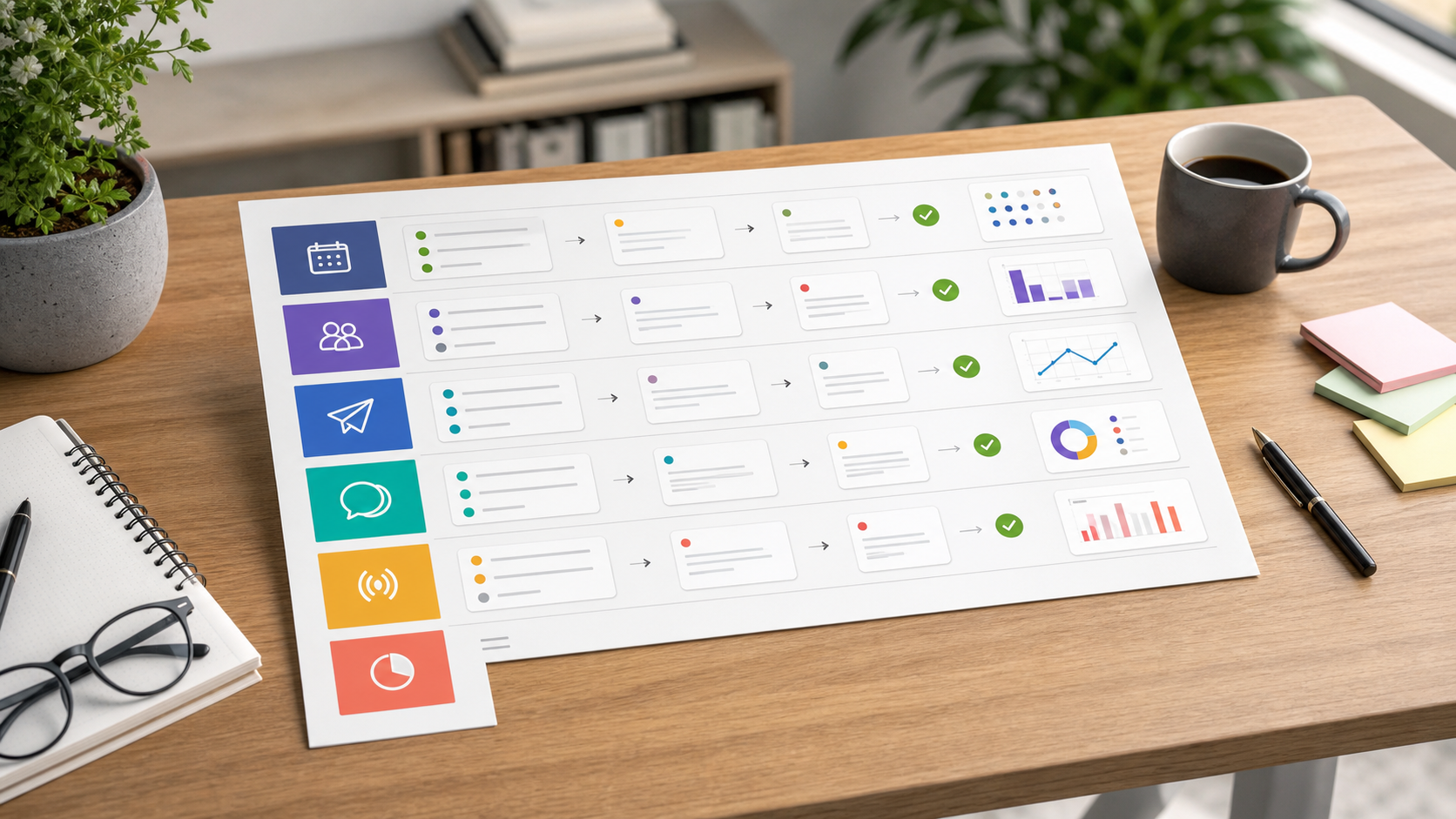
Use this scorecard during a real evaluation cycle:
| Workflow checkpoint | What good looks like in Later |
|---|---|
| Asset planning | Campaign media is easier to organize and preview |
| Social sets | The real account structure fits the plan limits |
| Media formats | The exact post formats publish without awkward workarounds |
| Link-in-bio | Social traffic paths are clearer for the campaign |
| Collaboration | Reviewers understand what needs approval |
Later's strongest case is a visual workflow that shortens planning and reduces asset confusion. Its weakest case is a buyer who mainly needs social operations outside media planning. Keep the decision tied to the campaign workflow and do not mistake a polished visual calendar for a complete social management system.
Decision guardrails
Later should be judged by whether visual planning actually improves the team's week. The buyer should not stop at a neat calendar view. Use the messy campaign: mixed image sizes, short video, captions, product links, creator notes, and one late edit. If Later keeps the media plan understandable through that work, it is solving a real problem. If the team still moves assets through folders and messages, the visual calendar may be less central than expected.
The second guardrail is media-format confidence. Visual-first teams often publish formats that change platform by platform. During evaluation, confirm how the team handles thumbnails, previews, captions, aspect ratios, and link-in-bio updates. A tool that handles ordinary posts but breaks the campaign's most important formats can create more hidden work than it removes. Write down every workaround and compare it with the time saved by visual planning.
The third guardrail is role clarity. Later can work for a solo creator, but teams need to know who uploads assets, who writes captions, who approves, and who reviews analytics. If those roles are informal, the tool may feel useful for one person while leaving collaboration fragile. Later deserves budget when the media workflow becomes clearer for everyone involved, not only when the primary social owner likes the interface.
Implementation notes
If Later is selected, the first month should focus on one visual content system. Define how assets are named, where campaign notes live, who uploads final media, and who approves captions. Later can reduce asset confusion, but it works best when the surrounding content process is explicit. A clean media library is an operating decision, not only a software feature.
The team should also keep a small format log. Record which post types publish smoothly and which require manual steps. This is especially useful for short-form video, carousels, thumbnails, and link-in-bio updates because platform behavior changes often. The log protects the buyer from assuming that one successful post proves every recurring format is covered.
At renewal, compare Later against the original reason for purchase. If visual planning remains the core bottleneck and the tool still shortens the campaign week, renewal is defensible. If the team now struggles more with approvals, inbox, or reporting, Later may stay as a planning layer while another system becomes the primary social operations tool.
Use the free trial comparison guide to keep that renewal review tied to real work rather than interface preference.
FAQ
Is Later good for creators?
Later can be a strong fit for creators because the workflow starts with visual content, social sets, scheduling, and link-in-bio planning. The buyer should still evaluate the actual formats they publish, such as reels, carousels, thumbnails, and short-form video. A visual planner only helps if it handles the creator's real weekly content.
How does Later pricing work?
Later pricing depends on plan level, social sets, profiles, users, post limits, analytics lookback, collaboration features, and add-ons. Use the official pricing page for current details. The practical question is whether the plan supports your normal monthly publishing volume without forcing you into manual workarounds.
Is Later better than Buffer?
Later is better when the team plans around visual assets, creator content, and link-in-bio paths. Buffer is better when the team wants a simple queue across channels with minimal process weight. If your campaign starts in a media library, evaluate Later first. If it starts in a posting queue, evaluate Buffer first.
Who should skip Later?
Teams should skip or postpone Later when the main buying reason is social listening, advanced inbox ownership, complex approvals, or executive reporting. Later can still be a useful visual planner, but those broader operating needs usually require a suite or a more specialized reporting and engagement workflow.